Noise traffic light
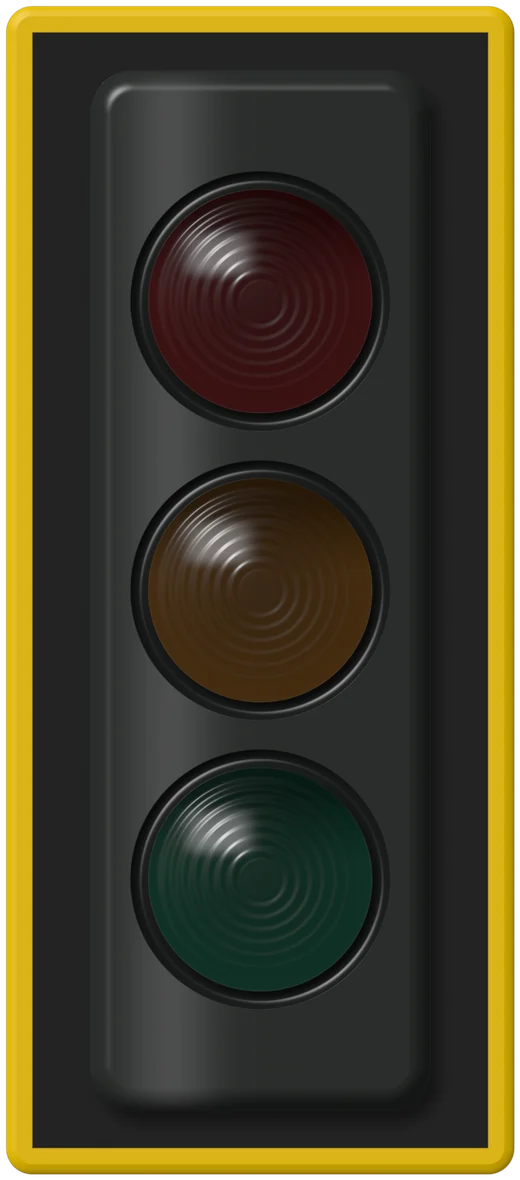



The light says
Keepgoing
You’re watching a demo signal. Start to hear your room. Nothing is recorded.
Green, yellow, red. The rule every kid already knows, wired to the room’s actual volume.
Why it works
The rule they already know
Kids learn traffic lights before they learn to read, which makes them the fastest noise signal to teach. Green means carry on, yellow means bring it down, red means stop and reset. For preschool and kindergarten, the bubble noise meter is gentler still.
A physical noise light costs around fifty dollars and can’t be tuned to your room. This one calibrates to your classroom’s quiet floor and switches between four scenes, so yellow means something different during a test than during group work.
 Back row · ≈ 9 m
Four scenes
Same room, different rules
Test
Noisy +5 · Too loud +10
Tests and silent reading. A whisper already counts.
Independent
Noisy +10 · Too loud +15
Quiet work time. Pencils and the odd question are fine.
Group
Noisy +15 · Too loud +22
Table talk at an indoor voice. Shouting across the room is not.
Free time
Noisy +20 · Too loud +28
Indoor recess, crafts and games. Only real chaos trips it.
In the room
Making the light stick
One sentence per color
Green: work voices. Yellow: whisper. Red: hands down, voices off. Post the three sentences beside the screen.
Reset on red
When it turns red, pause the lesson for ten seconds of quiet. The light goes green and work continues.
Use the chime sparingly
The optional chime only sounds after red holds for a few seconds. Most classes respond to color alone.
Same engine
Five more ways to show it
Classroom noise meter
A backlit VU meter with the scene’s lines on the face.
Open meter →
Bubble noise meter
Calm drift to a full boil. Best for the youngest.
Open bubbles →
Bouncy ball noise meter
A resting pile that jumps when the room gets loud.
Open bouncy balls →
Classroom noise monitor
Five minutes of history with scene lines and an alarm.
Open monitor →
Custom noise meter
Your own pictures bounce or float. Nothing uploaded.
Open your pictures →
Privacy
Nothing leaves this browser.
No recording
Sound is reduced to one loudness number about twenty times a second, then discarded.
No upload
Nothing is sent to a server. Load the page, unplug the internet, and the meter keeps working.
No account
No sign-up, no student data. Settings live in this browser only.
No tricks
We switch off the browser’s auto-volume so a loud room actually reads as loud.
Questions teachers ask
FAQ
When does the light turn yellow and red?
Yellow at the scene’s Noisy line and red at its Too loud line, both measured above your calibrated baseline. In Independent work that’s about 10 and 15 dB above the room’s quiet floor.
Is there a blue light too?
In the traffic light view, green covers both Quiet and OK so the signal stays as simple as a real light. Other views show OK in blue.
Does it work on an interactive whiteboard?
Yes. Open the page in the board’s browser, allow the microphone, and press Project. If the board has no microphone, run it on the teacher laptop that feeds the screen.
Does anything get recorded?
No. Sound becomes a loudness value in your browser and is thrown away. Nothing is uploaded or saved.