Bouncy ball noise meter
You’re watching a demo signal. Start to hear your room. Nothing is recorded.
The louder the room, the higher the balls jump. The class’s job is to let them settle back down.
Why it works
A pile of balls the class has to keep still
Forty rubber balls sit in a heap. Talk and they start to hop; shout and they hit the ceiling. It turns a volume rule into a physical goal kids can see and control together: keep the pile resting.
Unlike a plain bouncing-ball screen, this one is calibrated. Ten quiet seconds set the floor, and the scene you choose decides how much chatter the pile tolerates before it jumps. Want the class’s own drawings or mascot in the pile? Use the custom noise meter.
 Back row · ≈ 9 m
Four scenes
Same room, different rules
Test
Noisy +5 · Too loud +10
Tests and silent reading. A whisper already counts.
Independent
Noisy +10 · Too loud +15
Quiet work time. Pencils and the odd question are fine.
Group
Noisy +15 · Too loud +22
Table talk at an indoor voice. Shouting across the room is not.
Free time
Noisy +20 · Too loud +28
Indoor recess, crafts and games. Only real chaos trips it.
In the room
Classroom routines that pair well
Resting pile challenge
Set a timer: can the pile stay resting for five minutes of independent work? The quiet counter keeps score.
Teach the jump heights
Little hops are table talk. Ceiling hits are outside voices. Name the levels once and kids self-correct.
Switch scenes mid-lesson
Move from Test to Group work and the pile relaxes. The visual follows the activity, not a single rule.
Same engine
Five more ways to show it
Classroom noise meter
A backlit VU meter with the scene’s lines on the face.
Open meter →
Bubble noise meter
Calm drift to a full boil. Best for the youngest.
Open bubbles →
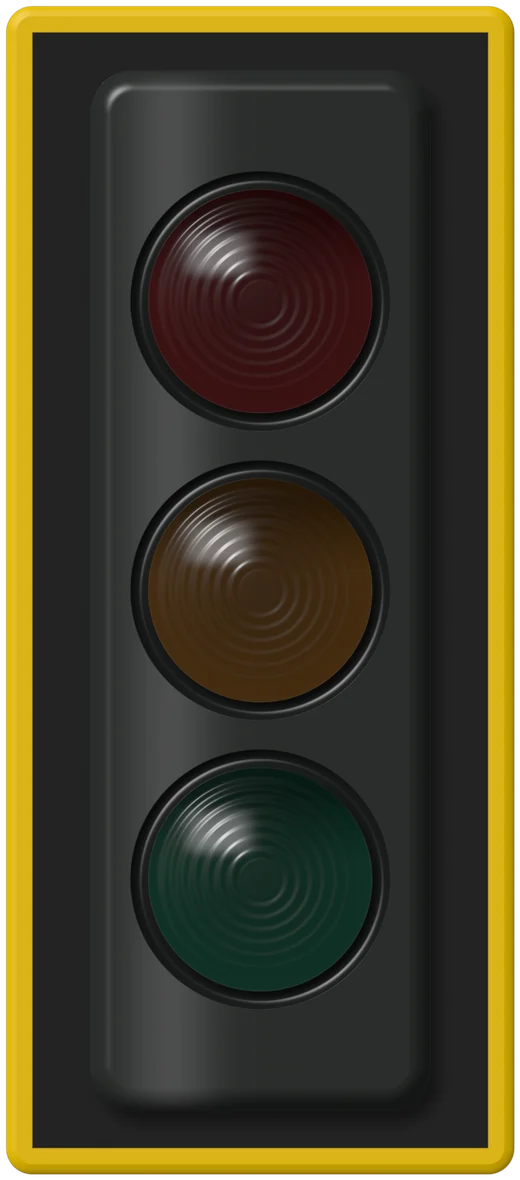


Noise traffic light for classroom
Green, yellow, red. Nothing to explain.
Open traffic light →
Classroom noise monitor
Five minutes of history with scene lines and an alarm.
Open monitor →
Custom noise meter
Your own pictures bounce or float. Nothing uploaded.
Open your pictures →
Privacy
Nothing leaves this browser.
No recording
Sound is reduced to one loudness number about twenty times a second, then discarded.
No upload
Nothing is sent to a server. Load the page, unplug the internet, and the meter keeps working.
No account
No sign-up, no student data. Settings live in this browser only.
No tricks
We switch off the browser’s auto-volume so a loud room actually reads as loud.
Questions teachers ask
FAQ
How is this different from other bouncing ball meters?
It measures from your room’s calibrated baseline, offers four scene presets, and can sound an optional chime after a few seconds of real noise. The balls are rendered as glossy rubber balls that read clearly on any projector, and you can swap in your own pictures on the custom meter.
Why do the balls jump when nobody is talking?
A loud fan or heater can sit above the old baseline. Press Recalibrate during a quiet moment and the floor moves up to match.
Can I hide the controls while projecting?
Yes. Project mode fills the screen with the balls and the state word, keeps the screen awake, and hides everything else. Press Esc to leave.
Is my class recorded?
No. The page turns sound into one loudness number per moment in your browser and discards the audio immediately.