Classroom noise monitor
You’re watching a demo signal. Start to hear your room. Nothing is recorded.
A running graph of the lesson, the scene’s lines printed across it, and a gentle alarm when the room stays too loud.
Why it works
See the shape of a lesson
The monitor keeps the last five minutes on screen. You can see the spike when the bell rang, the slow climb during group work, and how fast the room settled after a reset.
Lines for Noisy and Too loud are printed across the graph at your scene’s thresholds. The counters underneath show total time, quiet time and alarms for the session, all kept in this browser and cleared when you stop. For a simpler picture on the projector, switch to the classroom noise meter dial; both print the same lesson report.
 Back row · ≈ 9 m
Four scenes
Same room, different rules
Test
Noisy +5 · Too loud +10
Tests and silent reading. A whisper already counts.
Independent
Noisy +10 · Too loud +15
Quiet work time. Pencils and the odd question are fine.
Group
Noisy +15 · Too loud +22
Table talk at an indoor voice. Shouting across the room is not.
Free time
Noisy +20 · Too loud +28
Indoor recess, crafts and games. Only real chaos trips it.
In the room
Using the history well
Show the graph after, not during
Keep a simple view projected and glance at the monitor yourself. Share the graph at the end of the lesson.
Look for the climb
Noise rarely jumps; it creeps. A slow upward slope is the moment to step in, before the alarm.
Tune the alarm delay
Set how many seconds the room must stay too loud before the alarm. Three seconds ignores a dropped chair.
Same engine
Five more ways to show it
Classroom noise meter
A backlit VU meter with the scene’s lines on the face.
Open meter →
Bubble noise meter
Calm drift to a full boil. Best for the youngest.
Open bubbles →
Bouncy ball noise meter
A resting pile that jumps when the room gets loud.
Open bouncy balls →
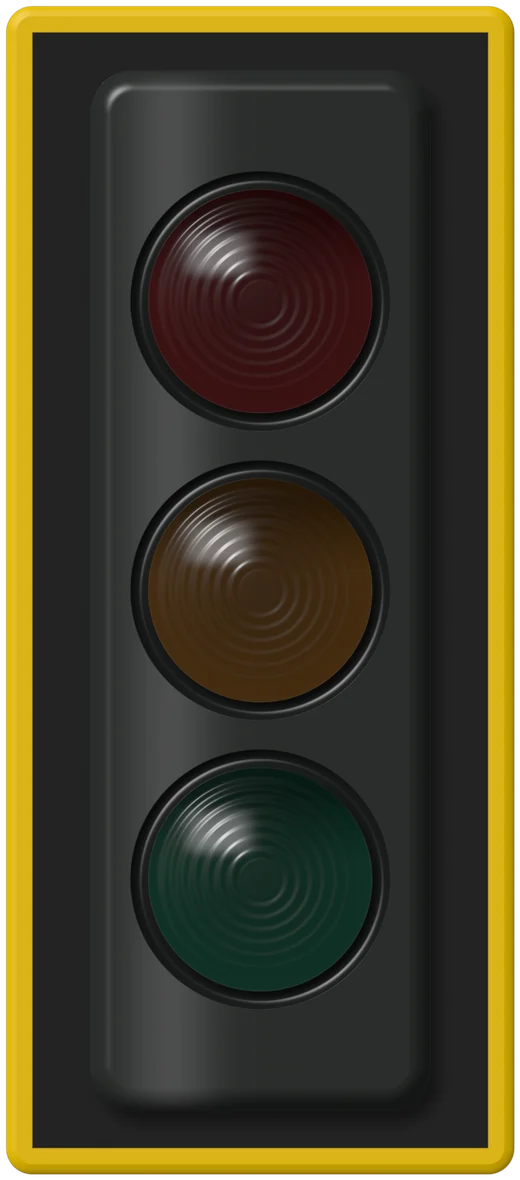



Noise traffic light for classroom
Green, yellow, red. Nothing to explain.
Open traffic light →
Custom noise meter
Your own pictures bounce or float. Nothing uploaded.
Open your pictures →
Privacy
Nothing leaves this browser.
No recording
Sound is reduced to one loudness number about twenty times a second, then discarded.
No upload
Nothing is sent to a server. Load the page, unplug the internet, and the meter keeps working.
No account
No sign-up, no student data. Settings live in this browser only.
No tricks
We switch off the browser’s auto-volume so a loud room actually reads as loud.
Questions teachers ask
FAQ
Can it sound an alarm?
Yes. Turn on Sound and the monitor plays a soft two-note chime when the room stays above Too loud for the alarm delay (three seconds by default). It mutes itself while the chime plays so it can’t trigger itself.
Can I save or export the history?
Not yet. The history lives in this browser and clears when you stop. Saved sessions and printable noise reports are planned for the Pro plan.
What do the numbers mean?
They’re relative room levels, not certified decibels. Until you enter a phone-meter reading under Settings, read them as “how far above our quiet floor we are”.
Is anything recorded or uploaded?
No. Only a loudness value is computed, in your browser, and the audio itself is discarded on the spot.